Somewhere on your campus there is a shelf, a cabinet, or a cardboard box full of tapes. Graduation ceremonies from the 1990s. The drama department’s spring musical. Game film from a championship season. A guest lecture someone recorded on a camcorder because it seemed worth keeping. These recordings are part of your institution’s history, and most sit on formats that get harder to play every year. Schools that work with corporate media transfer services Bloomington organizations already rely on can turn those tapes and discs into files that last. This guide covers what puts your archive at risk, how to plan a digitization project, and what to ask before you hand over a single tape.
Why VHS and DVD Archives Are Running Out of Time
Most school video collections were never stored with preservation in mind. They were stored with “where is there room” in mind. That matters, because the formats themselves are fragile.
Magnetic Tape Breaks Down
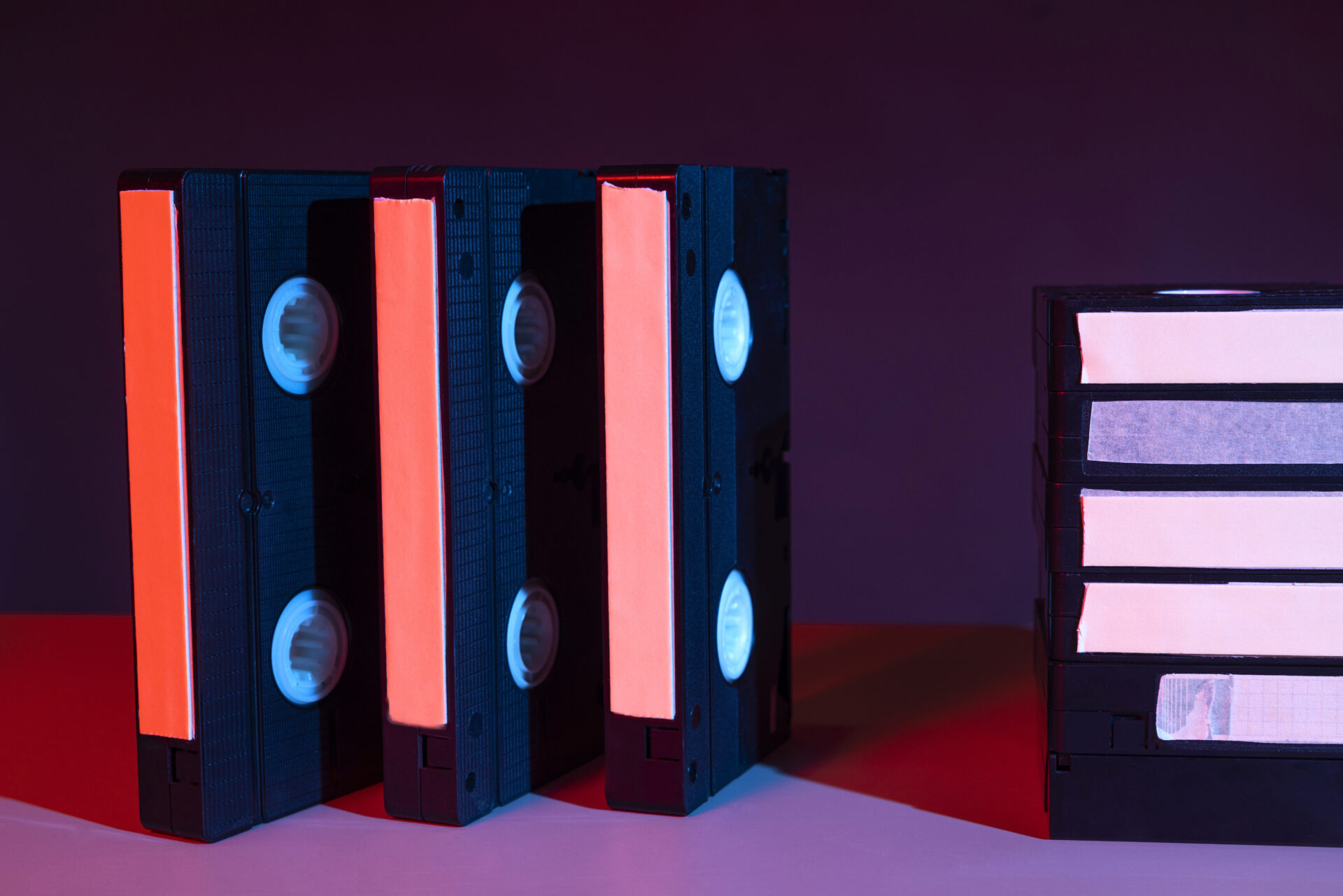
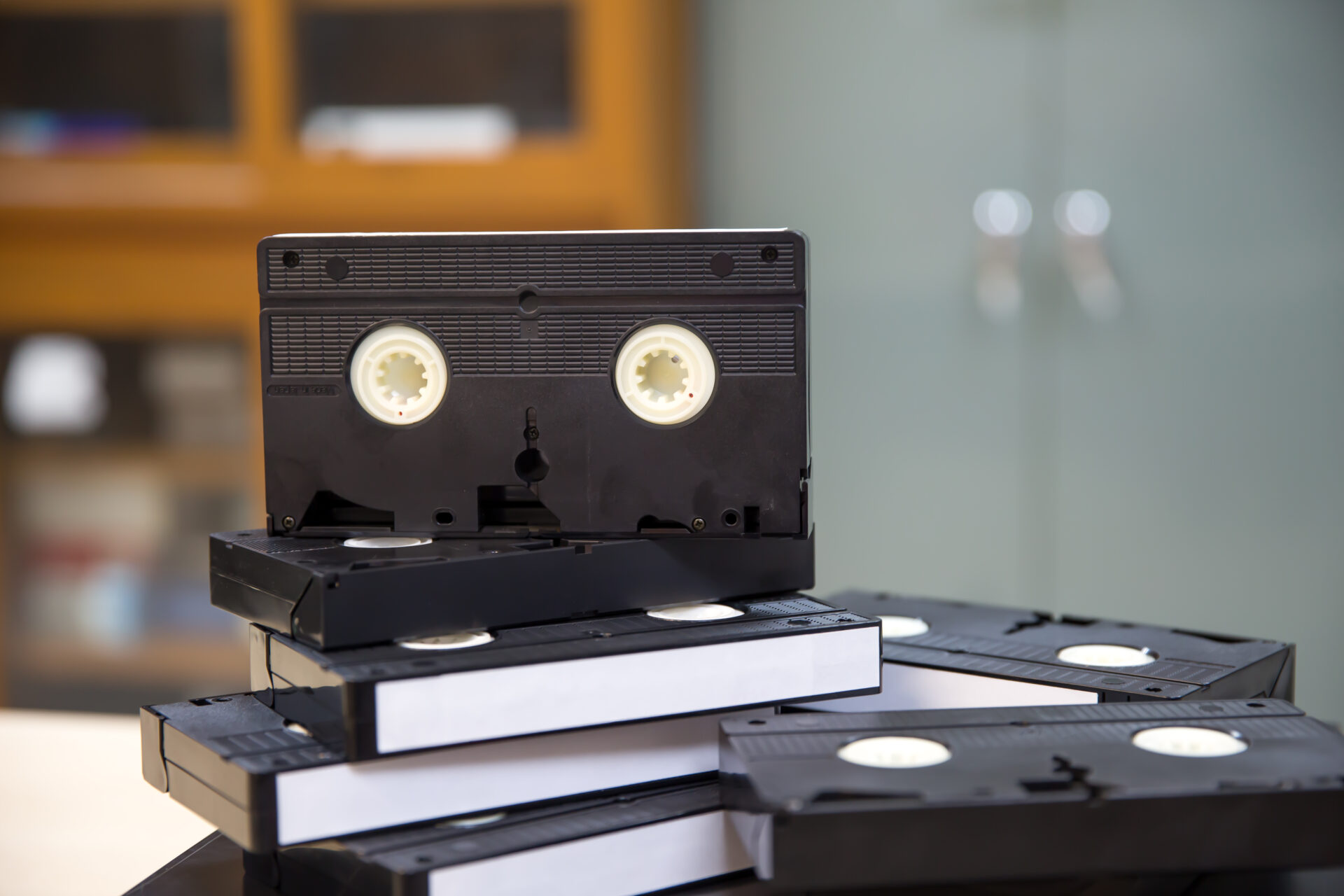
A VHS tape holds its picture as a magnetic signal on thin plastic tape. Over decades, the binder that keeps the magnetic particles attached to the tape can weaken. The result can be dropouts, color shifts, audio hiss, or tape that sheds oxide onto the player heads. Heat and humidity speed this up. Tapes kept in attics, basements, gym storage rooms, or classrooms without climate control face the most risk.
Plenty of tapes from the 1980s and 1990s still play. But every pass through a player adds wear, and a tape that looks fine in the box can fail the one time you need it.
Burned DVDs Are Not Permanent Either
Many people assume a DVD is safe because it is digital. Pressed commercial discs generally hold up well. Discs burned at the school, the kind with a handwritten label, are a different story. Recordable DVDs store data in a dye layer that can fade, and the layers of the disc can separate over time. Scratches, fingerprints, and warping from poor storage make things worse. Staff often burned these discs on whatever brand was on hand, which means the quality varies from one disc to the next.
The Playback Equipment Problem
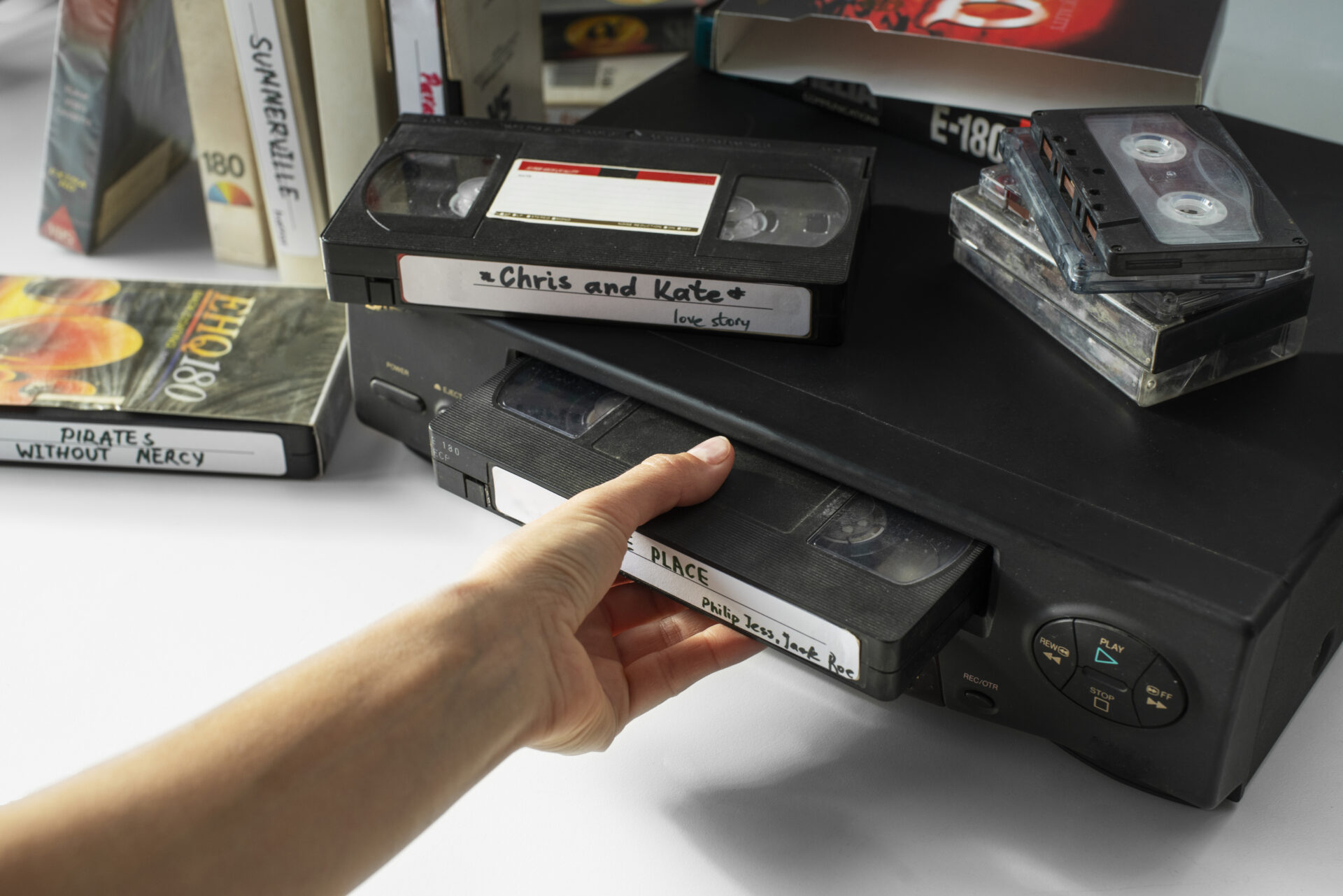
Even healthy tapes need a working machine. Major VCR manufacturing wound down around 2016, and the machines still in circulation are aging, with worn heads and failing belts. Camcorder formats such as MiniDV, Digital8, and 8mm need their own decks. As working equipment becomes scarce, the cost and difficulty of playing these formats go up.
What Schools Usually Have in Their Archives
Before planning anything, it helps to know what kinds of recordings a school typically holds. Collections often include:
- Commencement and graduation ceremonies
- Athletic events and championship games
- Concerts, plays, and musicals
- Guest speakers and recorded lectures
- Board meetings and public forums
- Alumni events and reunions
- Oral histories with longtime staff and graduates
- Local cable access programs and staff training videos
These recordings have real uses. Alumni offices can share them at reunions. Admissions teams can pull clips for outreach. History and media classes can use them as primary sources. Anniversary celebrations become much easier to plan when you can show real footage from five or fifty years ago. Some recordings also serve accreditation, records retention, or legal needs.
Read More:- How Twin Cities Businesses Are Digitizing Decades of Corporate Video Archives
Start With an Inventory, Not a Shipping Box
The most common mistake is gathering everything and sending it off at once. A short inventory first saves money and prevents lost items. A spreadsheet works fine. For each tape or disc, record the following:
- Format (VHS, VHS-C, MiniDV, DVD-R, 8mm, audio cassette, and so on)
- Title or label text, plus any dates written on it
- Physical condition, including mold, warping, or a cracked case
- Approximate running time
- Where it was stored and for how long
- Whether it includes student images or third-party material such as music or broadcast footage
- Priority level: high, medium, or low
Once the list exists, sort by priority. One-of-a-kind recordings come first, especially anything already showing damage. Next come items tied to a deadline, such as a school anniversary. Duplicate commercial tapes, like a store-bought movie, can wait or be skipped.
Check Privacy and Copyright Before You Share Anything
Digitizing a recording and publishing it are two separate decisions. Preservation comes first. Access comes second.
Video that identifies students can raise privacy questions under rules such as FERPA in the United States, depending on how the recording was made and how it will be used. Your district or university counsel can tell you how those rules apply to your collection. Copyright is the other issue. A school play may include licensed music or scripts, and a recorded broadcast belongs to the broadcaster.
A practical approach is to set access levels from the start. A preservation copy stays locked away. An internal copy is available to staff and faculty. A public copy is posted only after someone has reviewed permissions. This is general guidance, not legal advice, so involve the right people early.
How to Choose a Digitization Provider
Not every provider is suited to a school collection. Large archives need batch tracking, careful handling, and clear communication. That is why institutions with big collections often turn to corporate media transfer services Bloomington businesses use: those services are set up for volume, confidentiality, and organized delivery rather than one-off family projects.
Questions Worth Asking
Ask whether the work happens in-house or gets sent to another company. Each handoff is another chance for loss or delay. Ask whether your original media comes back to you, and how damaged or moldy tapes are handled. Ask what file formats you will receive and how files will be named. Ask how the provider protects sensitive content and who has access to it during the project. A good provider answers these plainly and puts the answers in writing.
Local vs. Mailed
Shipping irreplaceable tapes through the mail adds risk. Packages get delayed, crushed, or lost, and temperature swings in transit are hard on old tape. A local provider lets you drop off and pick up in person, and you can ask questions face to face. For a collection you cannot replace, that matters.
What Happens During Digitization
The process is simpler than most people expect. At a professional shop, it usually follows these steps:
Consultation. The provider reviews your formats, volume, goals, and any privacy needs.
Inspection and preparation. Each tape or disc is checked and cleaned. Tapes with mold or sticky residue need special handling before playback.
Capture. The media plays on professional equipment, and the signal is converted to a digital file.
Review. Someone checks the output for dropouts, audio problems, and missing sections.
Delivery. You receive organized, labeled files, and your originals come back to you.
Timelines depend on volume and condition. Small batches can be done in a few days, while large collections take longer, so ask for a schedule up front. A provider who handles corporate media transfer services Bloomington organizations depend on should be able to give you a clear estimate after reviewing your inventory. If you want to talk through a collection, you can book a consultation here.
Restoration Is Optional
Restoration can improve color, clean up audio, and steady shaky footage. It is useful for recordings that will be shown to an audience. It is not always necessary for an archive. The best practice is to keep an untouched master copy and make any enhanced version as a separate file. That way you can always return to the original capture.
File Formats and Storage That Last
A digitized file is only as safe as where you keep it. A single external hard drive in a desk drawer is not a plan.
Keep two kinds of files. The first is a master: a high-quality, lightly compressed file that preserves as much detail as possible. The second is an access copy, usually an MP4, that is small enough to email, stream, or post to an intranet.
For storage, follow the 3-2-1 rule: three copies, on two different types of storage, with one copy kept off-site. In practice, that might mean a campus server, a set of external drives, and a cloud service. Check the files once a year to confirm they still open, and plan to move them to new storage as technology changes. Digital files are not “set and forget,” but they are far easier to protect than a shelf of decaying tape.
Make the Archive Searchable and Useful
A pile of unlabeled files is almost as hard to use as a pile of tapes. Spend a little time on organization:
Use a consistent naming pattern, such as year, event, and location, for example 1998-05-22_commencement_main-gym. Add basic details to a spreadsheet or catalog: title, date, event, running time, original format, and any notes about content. Name people only if your privacy review allows it.
Retired teachers, alumni, and long-serving staff can often identify faces and dates that no one else remembers. A short “help us identify this footage” event at a reunion can fill in gaps quickly. Students can also take part. Library, journalism, and history classes can turn a cataloging project into real hands-on work.
Budget and Phasing
Cost depends on format, running time, condition, and whether you want restoration. Rather than guess, ask for a quote based on your inventory, priced by item or by hour.
Many schools do better with phases than with one large project. Start with a pilot batch of 10 to 20 high-priority items. Review the results, check the file quality, and confirm that the naming and delivery work for your team. Then move on to the next group. Funding can come from library budgets, alumni gifts, anniversary campaigns, or grants through state archives and historical societies, so check what your region offers.
Don’t Wait for the Tape to Fail
Every year a tape sits on a shelf, its odds get a little worse. You do not have to digitize everything at once, but you can start with the recordings that matter most. Make the inventory, sort by priority, settle privacy questions, and choose a provider that handles your media carefully and puts everything in writing.
Archive Life Media offers corporate media transfer services Bloomington schools, colleges, and districts can use to convert VHS, DVD, MiniDV, film, and audio recordings into organized digital files, with your originals returned. If your school has a collection waiting for attention, request a quote or schedule a drop-off and get your first batch started.