Somewhere in a closet, a storage room, or a locked cabinet at your organization, there is probably a box of videotapes nobody has played in years. Graduation ceremonies from the 1990s, a founder’s speech from the first company picnic, training sessions recorded for new hires, a school play that half the town attended. These recordings hold real history, and the tapes holding them are wearing out. If your organization needs Corporate Media Transfer Bloomington, MN, the best time to start is before the first tape fails to play, not after.
This guide explains why old video degrades, how to take stock of what you have, which file formats make sense, and how to pick a local provider you can trust. It is written for school administrators, office managers, nonprofit directors, and business owners who want a clear plan without technical jargon.
Why Old Video Archives Are at Risk
Video recorded on tape is not a permanent record. Every format has a shelf life, and most of the tapes made in the 1980s, 1990s, and early 2000s are now well past the age when they should have been copied.
Tape Breaks Down Over Time
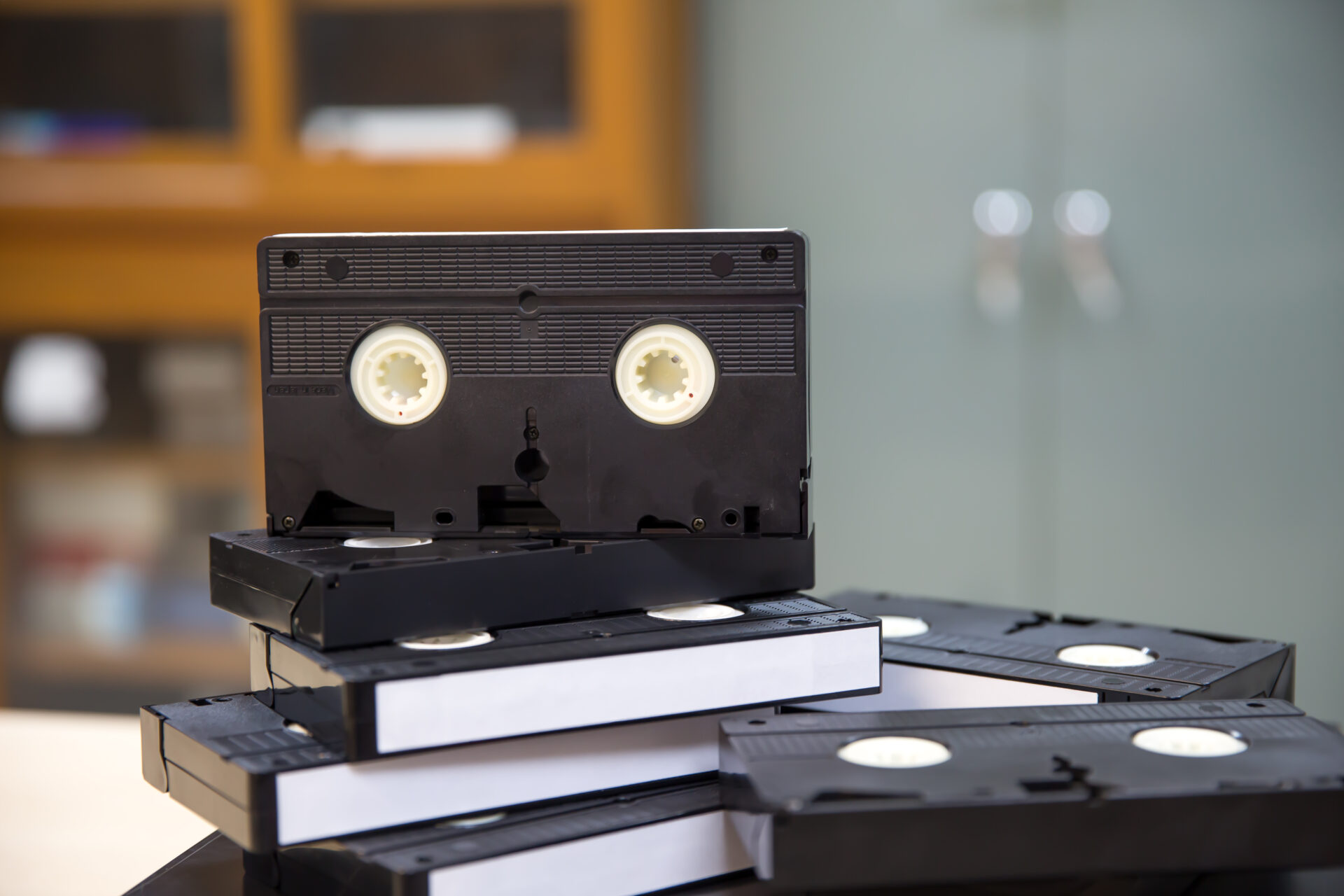
Videotape is a thin plastic strip coated with magnetic particles. Over the years, the binder that holds those particles to the plastic can break down, which leads to shedding, sticky tape, and dropouts in the picture. Heat, humidity, and poor storage speed this up. A tape kept in a damp basement or a hot attic will usually look worse than one stored in a cool, dry room, but even well-kept tapes lose signal strength with age. Mold is another common problem, and it can spread to other tapes on the same shelf.
The Equipment Is Disappearing
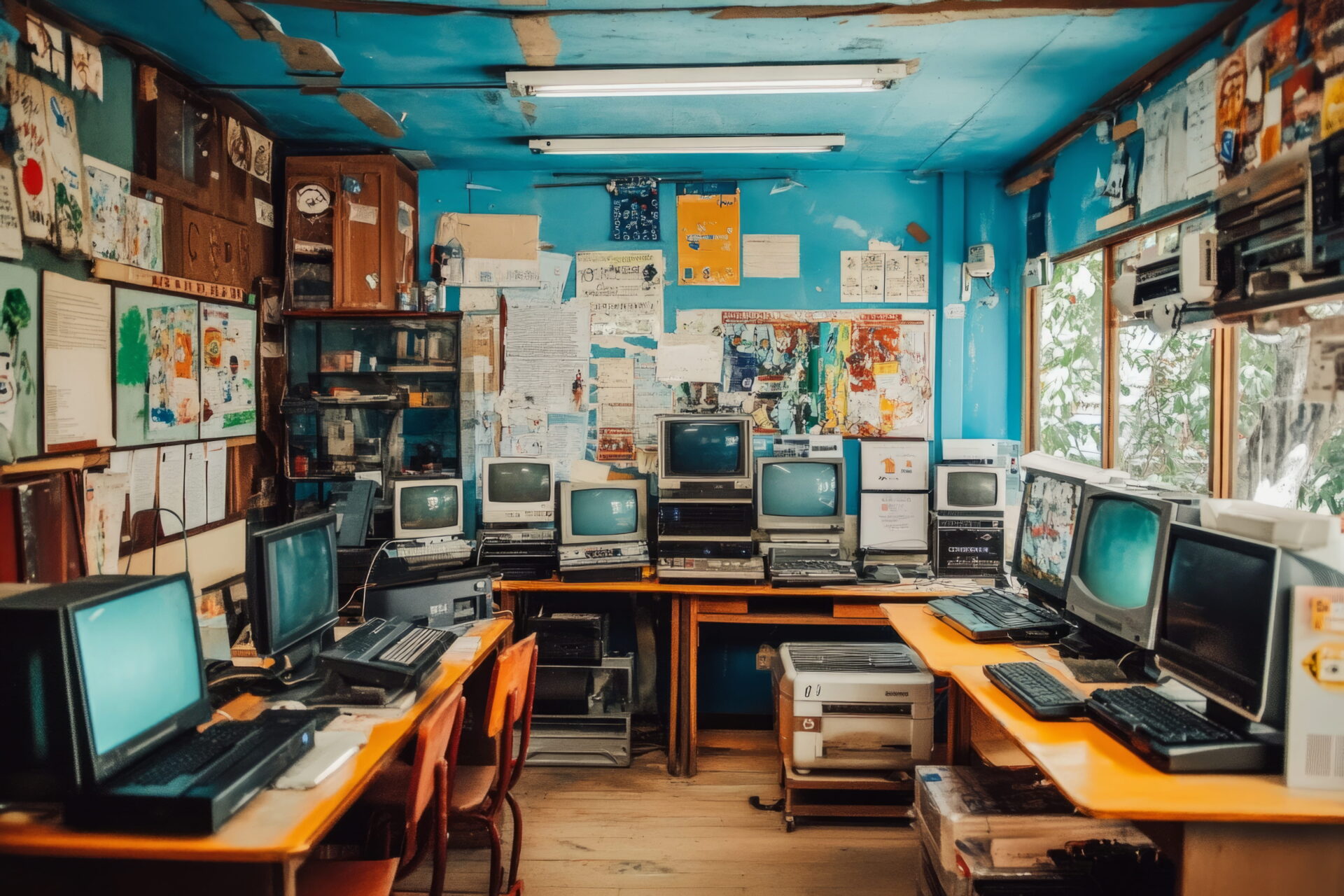
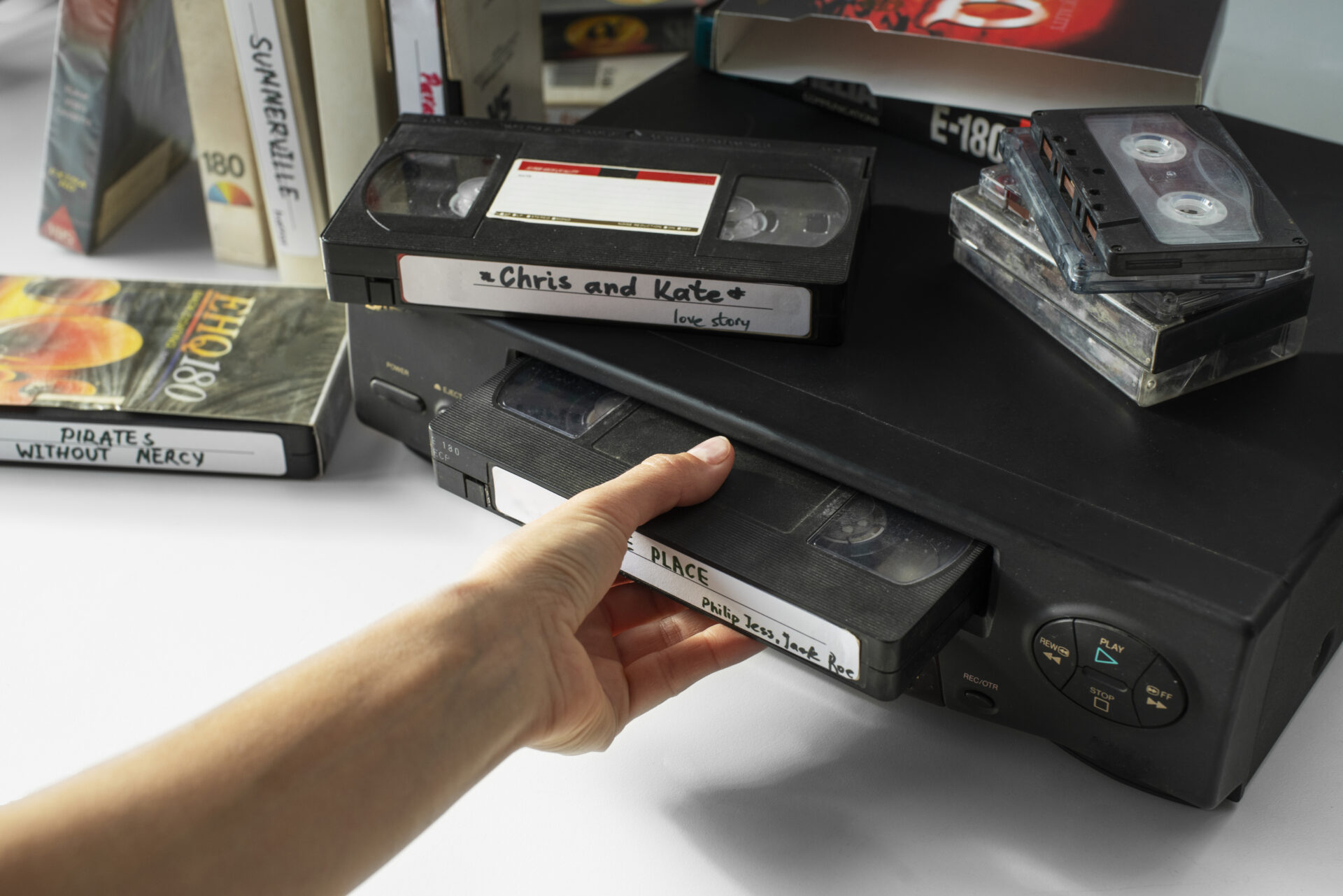
Even if a tape is in good shape, you need a working player to read it. VCRs, camcorders, and decks for formats such as Hi8, Video8, Digital8, and MiniDV are no longer made in any real volume. The ones still around have worn heads, brittle belts, and parts that cannot be replaced. Each year, fewer people can repair them. Professional transfer shops keep serviced machines for this reason, and that is a big part of what you pay for.
Discs Are Not Safe Either
Many organizations moved from tape to burned DVDs and assumed the problem was solved. Recordable discs can fail too. The dye layer fades, the disc oxidizes at the edges, and a scratch can make a file unreadable. A DVD burned in 2005 may already skip or refuse to load. If your archive includes homemade discs, treat them the same way you treat tape.
Signs a Tape Is Starting to Fail
You may notice rolling lines, washed-out color, a warbling soundtrack, squealing from the player, or a picture that keeps losing tracking. Visible white or gray fuzz on the tape, a musty smell, or a cracked cassette shell are also warning signs. If you see any of these, stop playing the tape and have it looked at by a professional before it gets worse.
What Schools Usually Have in Storage
Schools collect more video than most people realize, and it tends to be scattered across classrooms, the library, the district office, and former staff members’ homes.
Events and Performances
Graduations, concerts, plays, assemblies, award nights, and sports championships were often taped by a parent volunteer or a media teacher. These recordings matter to alumni, and they are often the only copy. A school that digitizes them can share clips at reunions, anniversaries, and fundraisers.
Staff and Board Records
Board meetings, teacher training sessions, and public forums were sometimes recorded for accountability. Depending on your state and district rules, some of these may need to be kept for a set number of years. Check with your records officer before you throw anything out.
Community and Local History
Yearbooks tell part of a school’s story, but video shows the hallways, the clothing, the music, and the people. Local libraries and historical societies are often glad to partner with schools that have well-organized digital archives.
What Businesses Usually Have in Storage
Companies produce video for many reasons, and the tapes tend to pile up after a move, a merger, or a change in leadership.
Training and Onboarding Videos
Before online learning platforms, companies recorded training on tape and passed it around on VHS. Some of those videos still contain useful procedures, safety instructions, or product knowledge that never made it into a written manual.
Marketing and Commercial Footage
Old television spots, trade show recordings, product demonstrations, and promotional reels show how a brand has changed. This footage can be reused in an anniversary video, a website history page, or a sales presentation.
Legal, Compliance, and Event Records
Depositions, inspections, ceremonies, and conference recordings sometimes need to be kept for legal or insurance reasons. If you are not sure whether a tape falls into that group, ask your attorney or compliance officer before it is copied or discarded.
How to Audit Your Video Collection
You do not need special equipment to start. A table, a notebook or spreadsheet, and a few hours are enough to build a working inventory. Here is a simple way to go about it:
- Gather every tape, disc, and film reel from all offices, closets, and off-site storage.
- Write down the format printed on each item, such as VHS, MiniDV, Hi8, or DVD-R.
- Record any label information, including dates, names, and event titles.
- Note the physical condition, such as cracked cases, visible mold, warped discs, or loose tape.
- Mark items with legal, historical, or financial value as high priority.
- Set aside any tape that smells musty or has white or gray residue, and keep it away from the rest of the collection.
- Do not try to play a damaged tape in your own machine, since that can ruin the tape and the player.
Once you have the list, sort it into three groups: transfer now, transfer soon, and transfer when the budget allows. Priority should go to one-of-a-kind recordings, items in poor condition, and anything with a legal or institutional purpose.
Choosing File Formats and Storage
Digitizing is only the first step. How you store the files decides whether they will still open in twenty years.
File Formats
For most organizations, a high-quality MP4 file works well for everyday viewing and sharing. If you want a master copy for long-term keeping, ask your provider about a larger, lightly compressed file, because it holds more detail and can be converted to smaller files later. Audio from older recordings is usually saved as WAV for preservation and MP3 for easy sharing. Photos and slides are typically scanned as TIFF or high-quality JPEG files.
The 3-2-1 Backup Rule
A common rule among archivists is to keep three copies of every file, on two different types of storage, with one copy stored off-site. For example, you might keep one copy on a hard drive in the office, one on a USB drive in a fireproof safe, and one in a cloud account. If a drive fails or a building floods, you still have something left. Check every year that the files open, and move them to new storage every few years, since drives wear out too.
Naming and Organizing Files
Use a clear naming pattern, such as the year, the event, and a short description. A folder named 1998-Graduation-Ceremony is far easier to find later than one called Video 12. Add a simple spreadsheet that lists each file, the original tape it came from, and any people shown. This small step saves hours when staff change.
Working With a Local Transfer Provider
Some organizations try to copy tapes in-house with a spare VCR and a capture card. This can work for a few tapes, but it often gives poor results and risks damaging the originals. For larger collections, a professional service is usually the safer choice.
Why Local Matters
When you hire a Corporate Media Transfer Bloomington, MN provider, you can walk into the shop, see the equipment, and hand your materials directly to the people who will handle them. Mailing irreplaceable items is possible and many people do it, but some organizations prefer a face-to-face drop-off and a signed receipt. Local service also makes it easier to ask questions, review a sample, and pick up the originals when the job is done.
Questions to Ask Before You Hire
Before you hand over a single tape, ask a few direct questions. Do they do the work in their own shop, or do they send it to another company? In-house work means fewer hands on your media. Will your original tapes be returned? They should be, along with the digital files. What file formats and delivery options are available? Do they offer cleaning and basic repair for damaged tape? How will they track each item so nothing is lost? Can they give you a written estimate and a timeline? A good provider will answer all of these without pressure.
What a Good Process Looks Like
A careful transfer usually begins with an inspection of each item. Dirty or damaged tape is cleaned before it goes into a machine. The video is captured in real time, then checked for audio and picture problems. Light corrections such as color balance, noise reduction, and stabilization can be added where they help. Files are then delivered on USB drives, external hard drives, DVD, or through a download link, depending on what you need.
Privacy, Permissions, and Copyright
Before you share old footage online, think about who appears in it. Student videos may involve privacy rules, and school districts often have policies on publishing images of minors. Employee footage may call for consent, especially if it will be used in marketing. Music playing in the background of an old recording can also raise copyright questions if you post it publicly. Keep the master files private, share edited clips when needed, and ask your legal contact when a situation is unclear. This is general guidance, not legal advice.
Budget and Timeline
Costs depend on the format, the number of tapes, the condition of the media, and any restoration needed. Bulk projects usually take longer than single-tape orders, and rush work generally costs more. A realistic plan spreads the work in phases. Start with your most important and most fragile items this quarter, then schedule the rest over the next year. Many schools and companies set aside a small yearly line in the budget for preservation so the work never becomes a single large expense.
Whether you manage fifty tapes or five hundred, a written quote for Corporate Media Transfer Bloomington, MN projects is the quickest way to see what the work will cost. You can request a quote or book a drop-off time and have a team member review your list with you.
Common Questions
How long can we wait before it is too late?
There is no fixed date. Some tapes play fine after thirty years and others fail after ten. The longer they sit, the higher the risk, so earlier is better.
Do we need to keep the original tapes after digitizing?
Many organizations keep them for a time as a backup, then decide later. Legal or policy rules may require you to keep certain items, so confirm before discarding anything.
Can damaged tape be saved?
Often, yes. Tapes with sticky residue, mold, or a broken housing can sometimes be cleaned or rehoused before transfer. Results vary, which is why it helps to have a provider look at the tape first.
Is digital storage really safer than tape?
Digital files can be copied without losing quality, which tape cannot do. They are only safe if you keep several backups and check them on a schedule.
Final Thoughts
Old recordings are part of how a school or company remembers itself. They show who showed up, what was said, and how the place looked at the time. Tapes will keep aging whether or not anyone is watching them, so a modest plan started today beats a rushed rescue later.
Begin with a simple inventory, rank your items by importance, choose a file format and backup routine, and work with a provider you trust. If you need help with Corporate Media Transfer Bloomington, MN, Archiving Life Media has been converting tapes, film, audio, photos, and slides since 2011, and returns your originals along with the digital files. Ready to get started? Book a consultation or contact our team and tell us what you have in storage.