Think about the last time you held an old photograph. The edges may be soft, the colors shifted toward yellow, and parts of the image have already started to fade. Now think about what that photo actually holds — a birthday, a graduation, a grandparent’s face you can barely remember anymore. Printed photos were never meant to last forever, yet for most families, they are the only physical record of decades gone by. High-resolution photo scanning changes that. It takes what time has been slowly taking away and converts it into something permanent, clear, and easy to share across generations. This is not just about digitizing footage from aging formats — it is about protecting the actual story of a family before that story disappears entirely.
Why Old Photos Deteriorate Faster Than You Think
Photographs printed before the digital era were made using chemical processes that were never designed for long-term storage. Over time, light exposure, humidity, acidic storage boxes, and everyday handling all cause irreversible damage. Color photos typically begin showing visible degradation within 25 to 50 years without proper storage conditions. Black-and-white prints can last longer, but even those are not immune to yellowing, cracking, and flaking.
The most common forms of photo degradation include:
- Fading of colors and contrast caused by prolonged exposure to light or UV rays
- Yellowing or browning of the base material due to acid migration from storage envelopes or albums
- Surface scratches, tears, and creases from regular handling over decades
- Mold and mildew growth from high-humidity environments like basements, attics, or storage bins
- Sticky residue from old tape repairs that eventually discolor the image surface
By the time most people realize the damage is serious, some details are already gone for good. That is why acting before degradation becomes critical matters so much.
What High-Resolution Photo Scanning Actually Does
High-resolution scanning is not simply pointing a camera at a photo and saving the result. It is a precise capture process using professional-grade flatbed or drum scanners that read every detail at resolutions of 600 DPI, 1200 DPI, or even higher for smaller formats like slides and negatives.
At these resolutions, features that are nearly invisible to the naked eye become recoverable — the texture of a fabric in an old wedding photo, the handwriting on the back of a 1940s postcard, the expression on a child’s face in a snapshot from a family reunion 60 years ago. When professionals handle digitizing footage from analog photo formats, the output file is rich enough to be printed again at full size without visible quality loss.
The Process, Step by Step
- Each photo is inspected and gently cleaned before it touches the scanner glass
- Scans are completed at the resolution appropriate for the format — prints, slides, or negatives each require different settings
- Color correction and dust removal are applied to restore accurate tones without over-processing the image
- Files are saved in high-quality formats like TIFF or JPEG at the maximum usable size
- Deliverables are organized and provided via USB drive, cloud download, or external hard drive based on client preference
What Can Be Scanned and Preserved
Most people think of scanning as something you do with loose prints, but the range of formats that can be digitized goes much further than that.
- Standard printed photographs in sizes from wallet-sized up to 8×10 and beyond
- 35mm slides and transparencies, including entire carousels from family slideshow nights
- Negative strips in various formats including 35mm, 120 medium format, and 4×5 sheet film
- Photo albums where the prints are still bound and cannot be removed safely
- Large archival collections from community organizations, schools, or businesses
Slides are especially vulnerable because the dye layers within them fade much faster than standard prints. Many families have entire boxes of slides from the 1960s and 1970s that have never been properly transferred. Digitizing footage from these analog formats is often the only way to see the images clearly again.
Why Professional Scanning Matters for Irreplaceable Originals
When the photos being scanned cannot be replaced — a grandparent’s portrait, a wedding from 50 years ago, a child’s first birthday — the quality of the process matters more than most people initially realize. Professional-grade equipment uses optical systems and color calibration tools built specifically for capturing fine detail from aged and fragile originals.
Professional services use technologies like Digital ICE, which removes dust and surface scratches at the hardware level during the actual scan — not as a software approximation applied afterward. The result is a cleaner image that preserves more original detail without introducing artifacts from over-processing.
Trained technicians also know how to handle brittle, curled, or stuck prints without adding to the existing damage. For photos that have already begun to crack or flake, careful physical handling during scanning is just as important as the equipment itself. Every step is performed with the understanding that there is no second original.
How Digital Files Preserve Memory That Would Otherwise Be Lost
Once your photos are converted to digital files, they no longer age. The image captured at the time of scanning is the image that exists going forward — stable, clear, and not subject to the same chemical decay that affects printed media. That permanence is something no physical print can offer on its own.
Digital files also change how families interact with their histories. Instead of keeping photos in a box under a bed where they quietly deteriorate, digitized images can be shared instantly with relatives across the country, turned into printed photo books, embedded in memorial slideshows, or used in family history projects.
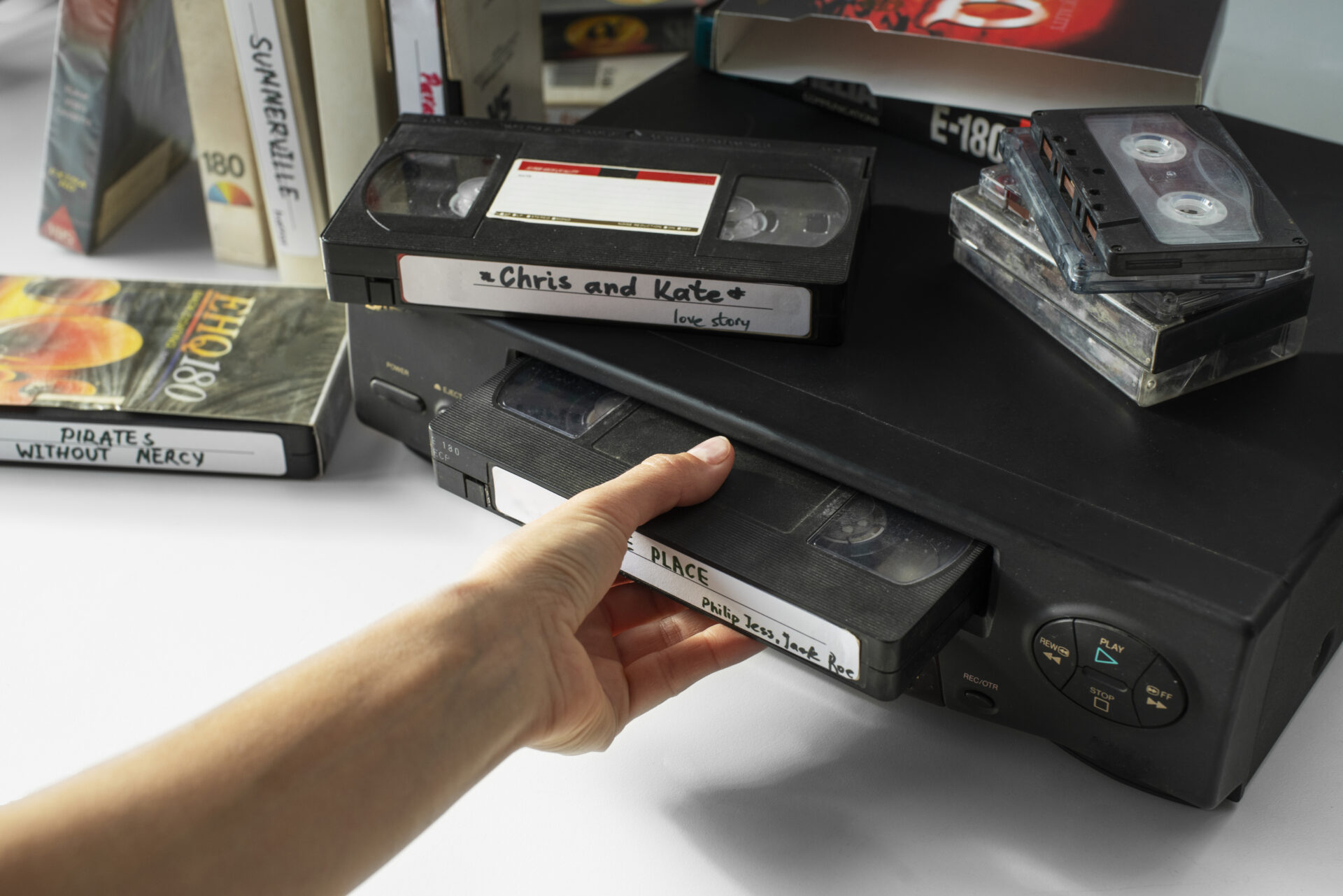
This is also where the process connects directly with broader media preservation work. Many families who bring in photos for scanning also have VHS tapes, audio cassettes, and 8mm film reels in the same boxes. Digitizing footage across multiple formats at once creates a complete digital archive of a family’s recorded history — not just the still images, but the moving ones too.
How You Receive Your Digitized Files
- USB drive — a physical copy you can plug into any computer or smart TV immediately
- Cloud download link — a secure online delivery option that makes sharing with family across the country straightforward
- External hard drive — the preferred format for larger collections where file sizes are substantial
- DVD — still a practical option for families who prefer a disc-based format that plays directly on a TV
When Is the Right Time to Start Scanning?
The honest answer is that the right time was several years ago, and the second-best time is now. Every month that passes is more deterioration that cannot be undone. The photos sitting in your parents’ attic or in a relative’s storage unit are continuing to age right now, regardless of whether anyone is thinking about them.
Certain life moments make the urgency clearer. When an older family member passes away, boxes of photographs often get divided up or discarded before anyone has time to properly archive them. When families clean out homes, albums get donated or thrown away. When floods or fires occur, there is no second chance for anything that was not already digitized.
Digitizing footage and photos before these moments happen means that even if the original is lost, the memory is not.
Beyond the Home: Corporate and Institutional Photo Archives
Photo scanning is not limited to personal family collections. Businesses, schools, nonprofits, churches, and local organizations often have decades of printed photographic records that hold real historical value — staff photos, event documentation, community milestones, and institutional histories.
Organizations that have operated for 30, 40, or 50 years often find their early records exist only in printed form, sitting in storage rooms without climate control. Digitizing footage and photo archives at an institutional level creates assets that can be used in anniversary publications, marketing materials, internal archives, and historical retrospectives.
The process for corporate and institutional collections follows the same principles as family archives but at a larger scale, often with more emphasis on metadata tagging, file naming conventions, and integration with existing document management systems.
What to Look for in a Local Media Transfer Service
Not all photo scanning services are created equal, and the choice of provider matters significantly when you are dealing with irreplaceable originals.
Here are the key factors worth evaluating before choosing a service:
- In-house processing: Your originals should never be shipped off to a third-party facility you cannot vet. Services that handle everything on-site give you more confidence about how your items are being treated
- Resolution options: A reputable service will offer multiple DPI settings depending on the format and your intended use of the files
- Turnaround time transparency: You should know upfront how long the project will take, especially for larger collections
- Output format flexibility: Being able to choose between USB, cloud delivery, or external hard drive means the files integrate with your existing workflow
- Clear communication throughout the process so you always know where your items are and when they will be ready
Frequently Asked Questions
What resolution should I use for scanning old photos?
For standard prints that are 4×6 or larger, 600 DPI is typically enough for most print and display uses. For smaller originals like wallet prints, slides, or negatives, 1200 DPI or higher is recommended to preserve fine detail when the image is enlarged.
Will scanning damage my original photos?
When handled by trained technicians using professional equipment, the scanning process does not damage originals. The light used in flatbed scanning produces minimal heat, and careful handling practices prevent any physical damage to the print surface.
Can badly damaged photos be restored during scanning?
Basic restoration work — color correction, dust removal, and minor blemish reduction — is often included or available as an add-on. Severely damaged photos may require additional manual restoration using software like Adobe Photoshop, which is a separate process from scanning but can recover details that might appear lost.
How long does it take to scan a large collection?
Turnaround depends on the volume and format of the collection. A standard order of a few hundred prints can typically be completed within 5 to 10 business days. Larger archival projects — thousands of prints, full slide carousels, or combined media types — may take longer and are usually discussed individually so that expectations are set correctly from the start.
Ready to Preserve Your Family’s Story?
Your photos are not going to wait forever. Every year that passes is another year of fading, cracking, and color loss that cannot be reversed. With Archiving Life Media, whether you have a shoebox of loose prints, a full album collection, or decades of slides in carousels, getting them professionally scanned is one of the most meaningful things you can do for your family right now.
Take the first step today — visit our website or stop by our Bloomington, MN location to drop off your media. Our team is ready to help you protect what matters most.