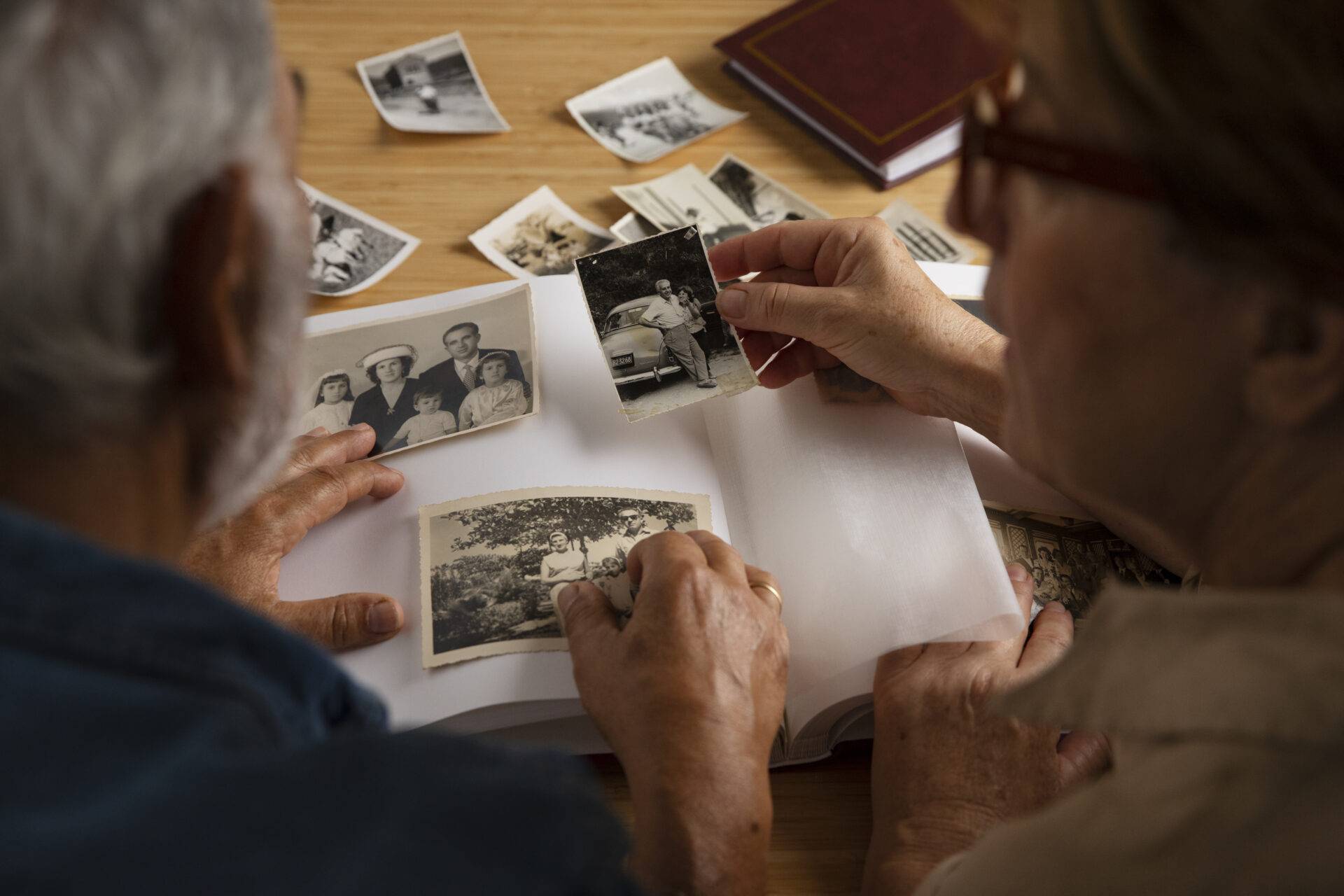
Old photographs hold memories that cannot be recreated. Family gatherings, childhood moments, weddings, vacations, and important milestones often exist only in printed photographs, slides, and old film negatives. However, these physical memories can become damaged or deteriorate as they age. Fading colors, scratches, moisture, dust, and improper storage can gradually affect their appearance.
Digitizing old photographs is a practical way to protect these memories and make them easier to access, share, and organize. However, choosing the right digitization provider matters. The quality of the scanning equipment, handling process, digital file options, and security practices can all affect the final results.
If you have a collection of old family pictures or slides, knowing what to look for in a professional service can help you make a better decision. Here are the important factors to consider before choosing a photo digitization company in Bloomington, MN.
Why Should You Digitize Old Photos?
Printed photographs are vulnerable to environmental conditions and everyday handling. Even when stored in albums or boxes, they can gradually lose their original quality. Heat, humidity, direct sunlight, and exposure to dust can contribute to fading and physical damage.
Slides and negatives also require proper storage. Older slide collections may become difficult to view when compatible projectors and equipment are no longer available. Digitizing these materials gives you a convenient way to view them on computers, smartphones, televisions, and other modern devices.
Digital copies also make it easier to share family history with relatives who live in different locations. Instead of passing around a physical album, you can organize images into digital folders and share selected photographs with family members.
For families in the area, Photo & Slide Transfer Services Bloomington, MN provide a practical option for converting aging physical photographs into accessible digital files while keeping the original materials.
Where Can You Get Old Photos Digitized Professionally?
You can find photo digitization services through local media preservation companies, specialized scanning studios, and certain retail businesses. However, not every provider offers the same equipment, handling standards, or file delivery options.
A specialized photo scanning company is often a suitable choice when you have valuable family photographs, old slides, negatives, or a large collection that requires careful handling.
Archiving Life Media provides photo and slide scanning services in Bloomington, Minnesota. The company works with printed photographs, slides, negatives, photo albums, and other image formats. Its scanning work is performed at its Bloomington studio, so customers do not have to send their original photographs to an outside processing facility.
Before selecting a provider, check its services, ask how your originals will be handled, and confirm which digital formats are available. A little research can help prevent confusion and ensure the service matches your collection.
7 Things to Look for When Choosing a Photo Digitization Service
Choosing a company based only on price may not give you the results you expect. Your photographs may contain important family history, so it is worth evaluating the service carefully.
1. Professional Scanning Equipment
Scanning equipment plays an important role in the quality of digital photographs. A professional provider should use suitable scanning equipment that can capture image details, colors, and important features without unnecessary loss of quality.
Ask whether the company scans different types of media using equipment appropriate for each format. Printed photographs, 35mm slides, and film negatives may require different scanning methods.
It is also helpful to ask about the available resolution options. Higher-resolution files can be useful when you want to enlarge photographs, create prints, or retain more image detail for future use.
2. Experience With Different Photo Formats
Not every photo collection contains standard printed pictures. You may have photographs in albums, loose prints, slides, negatives, or older film formats.
Choose a provider that understands how to handle these different materials. Slides and negatives require appropriate equipment and preparation, while older photographs may need additional care during handling and scanning.
Archiving Life Media works with several image formats, including loose photographs, photo albums, 35mm slides, and negatives. This allows customers to discuss different types of materials with one service provider rather than arranging separate services for each format.
3. Safe Handling of Original Photographs
Original photographs are often irreplaceable. A damaged digital copy can sometimes be recreated, but a damaged original family photograph may be impossible to replace.
Before handing over your collection, ask how the company protects photographs during preparation, scanning, and storage. Check whether the originals remain at the facility and how they are organized throughout the project.
A reliable provider should explain its handling process clearly and take reasonable precautions against scratches, bending, moisture, and accidental loss.
At Archiving Life Media, photographs and slides are scanned at the company’s own Bloomington studio. Your original materials do not need to leave the studio for outside processing.
4. Digital File Quality and Delivery Options
Before booking a scanning service, understand how you will receive your digitized photographs. Digital files should be provided in formats that are compatible with the devices and platforms you use.
JPEG is a common format for everyday viewing, sharing, and printing. PNG may be useful for certain image applications, depending on the project requirements.
Also, ask about the available delivery methods. Depending on your needs, options may include:
- USB drives for keeping digital photographs in one convenient location.
- Secure cloud links for accessing and sharing files online.
- External hard drives for storing larger collections.
- DVD options for customers who prefer physical digital media.
Discuss your preferred format and delivery method before the scanning process begins. This helps ensure the final files are useful for your intended purpose.
5. Restoration and Image Enhancement Options
Some old photographs may have faded colors, visible scratches, dust, or other signs of age. Basic digitization creates a digital copy, but it does not automatically repair every type of damage.
Ask whether the provider offers optional digital restoration. Depending on the condition of the image, restoration may involve color correction, dust removal, scratch cleanup, or other image adjustments.
It is important to understand the difference between scanning and restoration. Scanning captures the existing image, while restoration attempts to improve its digital appearance. Not every photograph will benefit from the same level of enhancement, so discuss your expectations before requesting additional work.
6. Clear Pricing and Project Timelines
The cost of photo digitization can vary based on the number of photographs, media formats, scanning requirements, restoration needs, and delivery preferences.
A trustworthy provider should explain what is included in the quoted price. Ask whether photographs, slides, and negatives are priced differently and whether large collections qualify for volume pricing.
You should also request an estimated completion time. A small collection may require a different processing schedule than thousands of photographs or mixed media formats.
Avoid choosing a service based only on the lowest advertised price. Consider the quality of work, handling practices, delivery options, and communication along with the cost.
7. Local Accessibility and Customer Support
Working with a local digitization company can make the process easier, especially when you have a large or valuable collection.
You may be able to discuss your project in person, ask questions about unusual formats, and understand how your original photographs will be handled.
For residents in Bloomington and nearby communities, choosing a local provider can also reduce the need to ship irreplaceable family materials over long distances.
Look for a company that explains the process, answers questions, and provides clear information before beginning the project.
What Types of Photos and Slides Can Be Digitized?
Before contacting a scanning company, take some time to identify the materials you want to preserve. This makes it easier to explain your project and receive an accurate estimate.
Common materials suitable for professional digitization include printed family photographs, loose photo prints, photographs stored in albums, 35mm slides, different slide formats, film negatives, and older photographic collections.
Some families also have mixed collections containing pictures from several generations. These may include childhood portraits, wedding photographs, graduation pictures, vacation memories, and historical family images.
If you have an unusual format or are unsure whether a particular item can be scanned, ask the provider to review it before proceeding. Do not remove photographs from old albums or dismantle delicate materials unless the scanning company advises you to do so.
Professional Photo Scanning vs. Doing It Yourself
Home scanning can be suitable when you have a small number of photographs and the necessary equipment. A flatbed scanner can create digital copies, and smartphone scanning applications may work for quick personal use.
However, large collections can take considerable time to process at home. You may need to clean each photograph, position it correctly, adjust scanning settings, organize the files, and check the results individually.
Professional digitization can be a better option when you have hundreds or thousands of photographs, different slide formats, old negatives, or materials that require careful handling.
The right choice depends on your collection size, available equipment, time, and desired image quality. If you are unsure, request information about the provider’s scanning process before making a decision.
How to Prepare Your Photos Before Digitization
A little preparation can help make your scanning project more organized. Start by reviewing your collection and identifying the photographs, slides, and negatives you want to convert.
You can group photographs by family member, year, event, or location if you already know their history. However, avoid writing directly on old photographs, as ink and pressure may damage them.
Keep fragile prints and slides in protective containers and avoid exposing them to direct sunlight, excessive heat, or moisture. If photographs are stuck together, do not try to separate them forcefully. Ask a professional about the safest way to handle them.
You should also decide how you want to receive and organize your digital files. For example, you may prefer folders based on family events, decades, or individual family members. Discuss these preferences with the scanning provider before the project starts.
Why Choose Archiving Life Media in Bloomington, MN?
Archiving Life Media helps families and individuals preserve photographs, slides, negatives, and other valuable media through professional digitization services.
Located in Bloomington, Minnesota, the company provides photo and slide scanning for customers who want to protect their personal collections and make older images easier to access.
Its services include loose photo scanning, slide transfer, negative digitization, and support for different photographic formats. The company also offers optional image enhancement, depending on the condition and requirements of the materials.
Another important consideration is the handling of original photographs. Archiving Life Media performs its scanning work at its own studio rather than sending customers’ media to an outside processing facility.
Whether you have a small collection of family pictures or a large archive of photographs and slides, discussing your requirements with an experienced provider can help you understand the available options. Visit our Google Business Profile to learn more about Archiving Life Media, view business information, and connect with our team.
Frequently Asked Questions
How much does it cost to digitize old photographs?
The price depends on the number of photographs, their size and condition, the scanning resolution, and any additional restoration requirements. Contact the service provider with details about your collection to request an estimate.
Can old photographs be restored during digitization?
Some photographs can benefit from digital enhancement, including color correction, dust removal, and scratch cleanup. The results depend on the original photograph’s condition and the type of damage.
What is the best digital format for scanned photos?
JPEG is suitable for most everyday purposes, including viewing, sharing, and printing. Other formats may be appropriate depending on how you plan to use and store the images.
Can slides and negatives be digitized along with printed photos?
Yes. Specialized scanning providers can work with different photographic materials, including printed pictures, slides, and film negatives. Confirm the supported formats before arranging your project.
Is it better to use a local photo digitization company?
A local provider can make communication and project coordination easier. You may also have the opportunity to discuss your collection and understand how original materials are handled.
Preserve Your Family Photographs With Archiving Life Media
Old photographs deserve proper care because they hold moments, people, and stories that are important to your family. Waiting until pictures become badly faded or damaged can make preservation more difficult.
Choosing the right digitization provider means considering scanning quality, experience with different formats, safe handling, restoration options, and digital delivery methods.
If you have old family photographs, slides, or negatives that you want to preserve, Archiving Life Media can help you understand the available scanning options. Contact the team to discuss your collection, request a project estimate, and take the next step toward protecting your family memories for future generations.