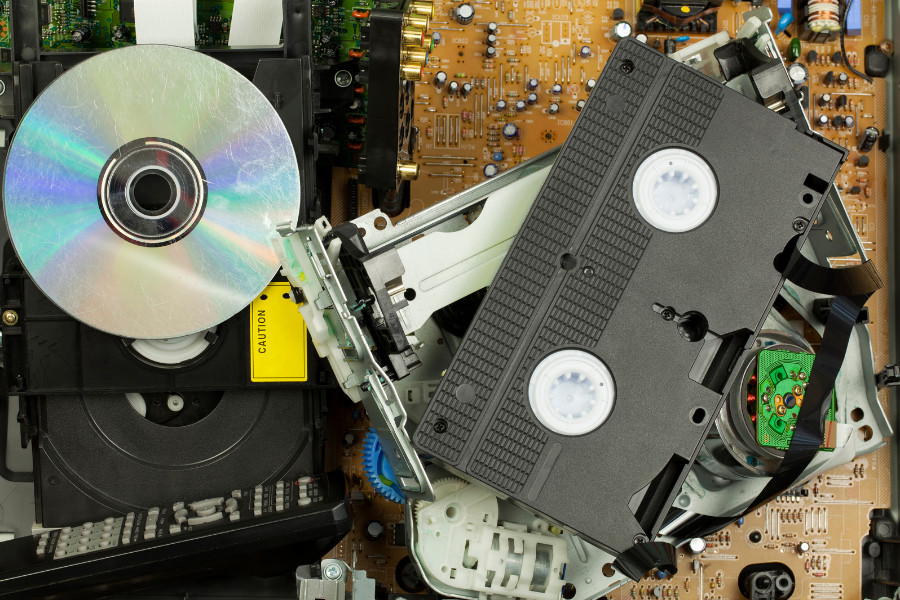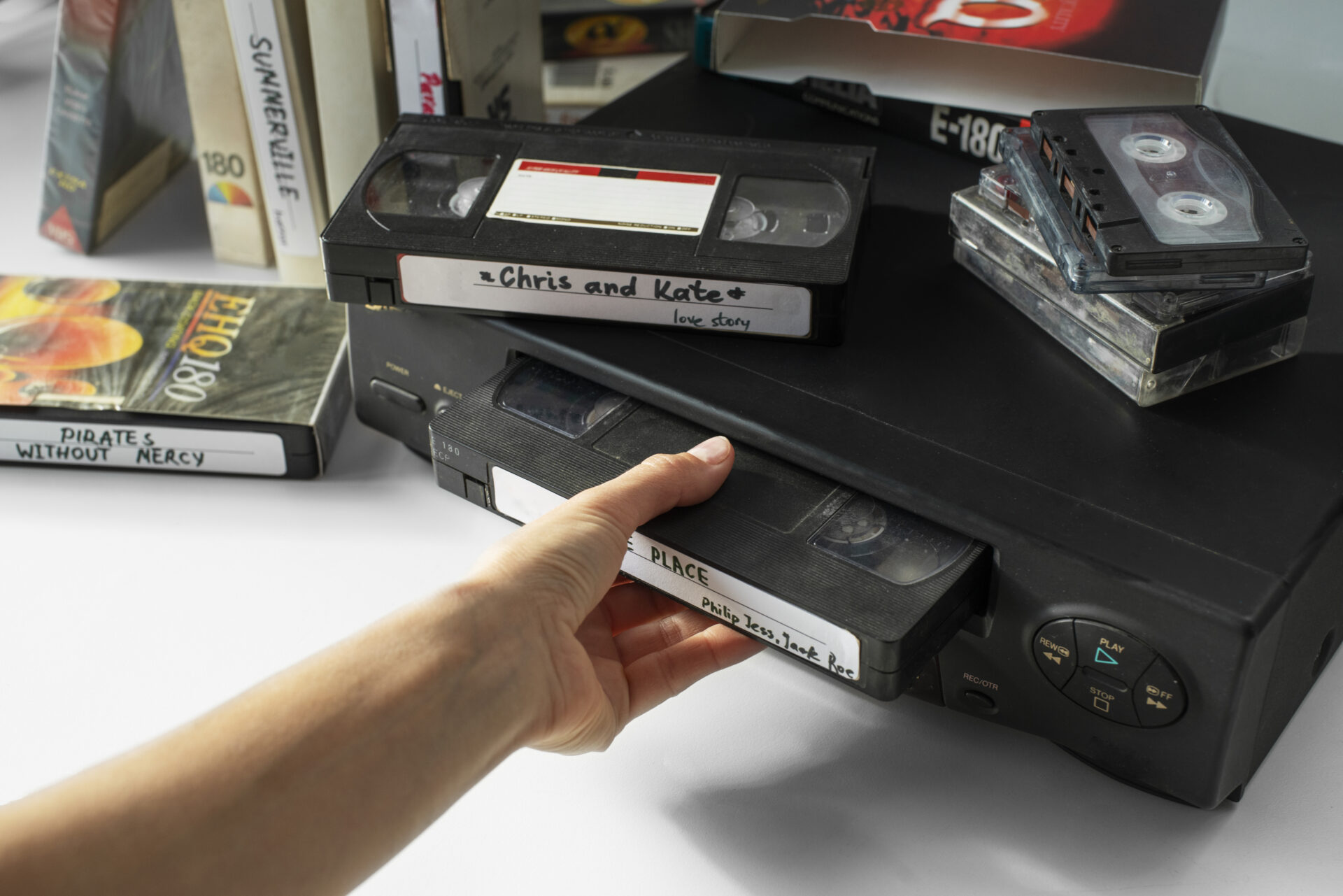
Old VHS tapes often contain some of the most meaningful moments in a family’s history. From childhood birthdays and weddings to holiday celebrations, school events, and family gatherings, these recordings capture memories that photographs cannot always tell. However, VHS tapes were not designed to last forever. Over time, their magnetic material can deteriorate, picture quality can decline, and finding a working VCR can become increasingly difficult.
If you have a collection of old videotapes at home, converting them into DVDs or digital files can help keep those recordings accessible. Professional VHS to DVD transfer services provide a practical way to preserve these memories without relying on aging playback equipment.
For families and businesses in Minnesota, choosing a local provider can also make the process easier. Archiving Life Media offers professional media preservation services in Bloomington, MN, helping customers convert older video, audio, film, photographs, and slides into modern formats.
But how do you choose the right transfer provider, what should you expect from the process, and is DVD still the best option? Understanding these details can help you make a better decision before handing over your original recordings.
Why Should You Convert Old VHS Tapes to DVD?
VHS technology was once a common way to record and watch home videos. Families used camcorders to capture important events, while businesses relied on videotapes for training materials, presentations, and archived recordings.
Today, VCRs are becoming harder to find, and replacement parts are not always available. Even if your tapes still play, their condition may change with repeated use and storage over the years.
Converting VHS recordings into DVDs or digital files offers several practical advantages.
1. Protect Family Memories from Tape Deterioration
VHS tapes use magnetic material to store video and audio information. Exposure to heat, moisture, dust, and unsuitable storage conditions can affect their quality. Some tapes may also develop mold or suffer physical damage.
Digitization helps create a new copy of the recorded content before further deterioration makes playback difficult. Although digital files still need proper backup and storage, they provide another way to protect important recordings.
2. Watch Videos Without an Old VCR
Many modern households no longer own a VCR. Even when an old machine is available, it may not work reliably.
A DVD copy can be played on compatible DVD players and computers with disc drives. Digital files offer additional flexibility because they can be viewed on supported computers, televisions, and other devices.
3. Share Special Moments with Family Members
Old recordings often contain memories that relatives would enjoy watching together. Converting them into digital formats makes it easier to share copies with family members who live in different cities or states.
For example, parents can share childhood recordings with their adult children, while relatives can revisit wedding videos and family celebrations during special occasions.
4. Keep Important Business Recordings Accessible
VHS tapes are not limited to personal memories. Some organizations still have older training videos, presentations, interviews, and historical recordings stored on videotapes.
Digitizing these materials can help businesses maintain access to important information without depending on outdated playback systems.
Who Offers Professional VHS to DVD Transfer Services Near You?
When choosing a VHS transfer provider, it is important to consider more than the final price. Your original recordings may contain moments that cannot be recreated, so the company handling them should understand the importance of careful media handling.
If you are located in Bloomington, MN, Archiving Life Media is a local option for professional video and media digitization.
The company works with several older formats, including VHS, VHS-C, Betamax, Video8, Hi8, Digital8, MiniDV, and other video formats. It also provides services for film reels, photographs, slides, and audio recordings.
This makes it useful for customers who have different types of older media and want to preserve them through one service provider.
What Makes a Professional Transfer Service Worth Considering?
A reliable provider should explain how your tapes will be handled, what output formats are available, and how your original materials will be returned.
Before selecting a company, consider these factors:
- Format compatibility: Confirm that the provider accepts your specific tape type, including VHS-C, Betamax, Hi8, or MiniDV.
- Equipment quality: Ask whether professional playback and capture equipment is used for the transfer.
- Handling procedures: Your tapes should be inspected and handled carefully, particularly if they are old or fragile.
- Output choices: Check whether you can receive DVDs, USB copies, or downloadable digital files.
- Transparent pricing: Request information about pricing, additional services, and any charges for damaged or unusual media.
- Original media return: Confirm that your original tapes will be returned after the project is complete.
These questions can help you compare providers and choose a service that fits your needs.
How Does the VHS to DVD Transfer Process Work?
Professional tape conversion generally involves several steps. Knowing what happens during the process can help you understand how your recordings are handled.
Step 1: Identify and Inspect Your VHS Tapes
The first step is identifying the tape format and checking its physical condition. A professional may inspect the cassette housing, tape reels, and visible signs of damage.
If a tape has mold, a broken shell, or other physical problems, it may require additional attention before playback. Not every damaged tape can be recovered, so an honest assessment is important.
Step 2: Prepare the Tape for Playback
Before transferring the recording, the tape may need cleaning or preparation depending on its condition.
This step matters because dust, debris, or physical damage can affect playback. For older recordings, careful handling helps reduce the risk of additional problems during the conversion process.
Step 3: Capture the Video Recording
The VHS tape is played using compatible equipment, and the recorded video and audio are captured into a modern format.
The quality of the original recording plays a major role in the final result. A professional transfer can preserve the available footage, but it cannot automatically turn a low-quality original recording into modern high-definition video.
Step 4: Convert the Recording into Your Preferred Format
After capture, the recording can be prepared for DVD or digital delivery, depending on the provider’s available options.
DVDs offer a familiar physical format, while digital files can be stored on USB drives, computers, or external storage devices.
Step 5: Review and Receive Your Finished Copies
Before accepting the finished project, check that the transferred recordings play correctly and that the files or DVDs are accessible.
You should also confirm that your original VHS tapes are returned. Keeping both the original materials and the new copies gives you additional options for future preservation.
Should You Choose DVD or Digital Files for Your Old Videos?
Both DVDs and digital files can be useful, but the right choice depends on how you plan to watch and store your recordings.
VHS to DVD Conversion
DVDs provide a physical copy that can be stored with other family collections. They are convenient for people who prefer using a compatible DVD player rather than managing digital files.
However, DVDs can become scratched or damaged, and many newer computers and laptops no longer include disc drives. Their long-term usability also depends on proper storage and the condition of the disc.
VHS to Digital Conversion
Digital conversion creates files that can be stored on USB drives, computers, external hard drives, or supported cloud storage services.
Digital copies are easier to duplicate and share. You can also create multiple backups to reduce the risk of losing important recordings.
For families who want flexibility, digital files are often a practical choice. You should still maintain more than one backup because USB drives and hard drives can fail.
Which Option Is Better?
There is no single answer for every household. If you enjoy keeping physical copies, DVDs may suit your preferences. If you want convenient sharing and easier backups, digital files may be more suitable.
Some customers choose both options so they can enjoy physical copies while keeping digital versions for additional protection.
What Other Media Can You Preserve Besides VHS Tapes?
Many households have more than videotapes stored in cupboards, boxes, and old storage containers. You may also have cassette recordings, film reels, slides, or printed photographs that have not been viewed for years.
Choosing a provider that handles different media types can make it easier to organize your entire collection.
Audio Cassette and Reel-to-Reel Transfer
Old audio recordings may include family conversations, interviews, music, speeches, and personal messages. These recordings can become difficult to access as cassette players and reel-to-reel equipment become less common.
An audio transfer service in Bloomington can help convert supported analog recordings into digital formats. These files can then be stored on modern devices and backed up for future access.
8mm and Super 8 Film Transfer
Film reels often contain childhood memories, family holidays, weddings, and other important occasions. Unlike VHS tapes, these recordings require film-compatible scanning or transfer equipment.
Professional film digitization helps make these older recordings easier to watch and share.
Photo and Slide Scanning
Printed photographs, negatives, and slides can also deteriorate with age. High-resolution scanning creates digital copies that can be organized into folders and shared with relatives.
Preserving photographs alongside old home videos can help families build a more complete digital collection of their history.
Why Choose a Local Media Transfer Company in Bloomington, MN?
Working with a local provider can offer convenience, especially when you have several tapes or different types of media to transfer.
Customers can discuss their project, ask questions about formats, and understand the delivery options before starting the process.
Archiving Life Media provides local media preservation services from its Bloomington, Minnesota location. Its services include video transfer, audio transfer, film digitization, and photo and slide scanning.
The company has provided media preservation services since 2011 and offers delivery options such as USB drives, cloud links, external hard drives, and DVDs, depending on the project.
For people comparing Media Transfer Services Bloomington, a local company can be worth considering when personal attention and convenient drop-off arrangements are important.
The company also accepts mailed-in projects, which can be helpful for customers who are unable to visit in person.
How Much Does Professional VHS to DVD Transfer Cost?
The cost of VHS conversion depends on several factors. There is no universal price because different providers may use different pricing structures and service options.
Some companies charge according to the number of tapes, while others consider recording length, tape condition, or the selected output format.
Before placing an order, ask the provider about:
- Pricing per tape or recording.
- Additional charges for longer recordings.
- DVD, USB, and digital file delivery costs.
- Cleaning or repair requirements for damaged tapes.
- Optional video enhancement services.
- Bulk-order pricing for larger collections.
It is also useful to ask whether the company can inspect unusual or damaged tapes before confirming the final cost.
Rather than choosing a provider based only on the lowest price, compare the handling process, available formats, service quality, and return arrangements. This can help you avoid unexpected costs and make a more informed decision.
How to Prepare Your VHS Tapes Before Sending Them for Transfer
A little preparation can make the transfer process easier for both you and the service provider.
Start by gathering all the tapes you want to convert. If possible, arrange them according to event, year, or family member. This will make it easier to identify the recordings after digitization.
Write down any information you remember about the contents of each tape. For example, a label such as “Family Christmas 1998” or “Summer Vacation” can help you organize your finished files.
Avoid opening the cassette or attempting to clean the magnetic tape yourself. If you notice mold, a damaged shell, or unusual noises during playback, explain the issue to the provider before the transfer begins.
If you have a large collection, ask whether the company can handle multiple tapes in one project and whether bulk pricing is available.
Why Archiving Life Media Is a Practical Choice for Media Preservation
Choosing a media transfer provider is about protecting recordings that matter to you. A good service should make the process understandable, offer suitable delivery options, and treat your original materials with care.
Archiving Life Media serves customers in Bloomington, MN, with video, audio, film, photo, and slide digitization services.
Its video transfer service supports multiple formats, including VHS, VHS-C, Betamax, Hi8, Video8, Digital8, and MiniDV. Customers can discuss their requirements and select suitable output options for their recordings.
The company also provides an audio transfer service in Bloomington, allowing customers to preserve supported cassette tapes, microcassettes, vinyl records, and reel-to-reel recordings.
Having access to several preservation services through one local provider can be helpful when your collection includes different types of older media.
Whether you have a few family VHS tapes or a larger archive of recordings, discussing your project with an experienced provider is a sensible first step.
Frequently Asked Questions
1. Can old VHS tapes still be converted to DVD?
Yes. Many VHS tapes can still be transferred if the magnetic tape and cassette are in playable condition. A professional provider can inspect the tapes and determine whether they can be converted.
2. Is it better to convert VHS tapes to DVD or USB?
Both options have advantages. DVDs provide physical copies, while USB drives offer greater flexibility for storing and sharing digital files. Keeping both formats can be useful for important recordings.
3. How long does VHS to DVD conversion take?
Turnaround time depends on the number of tapes, their condition, recording length, and the provider’s workload. Ask for an estimated completion time before confirming your order.
4. Can damaged VHS tapes be transferred?
Some damaged tapes can be recovered, but the result depends on the type and severity of the damage. Broken cassette housings, mold, and damaged magnetic tape may require additional work. Recovery cannot be guaranteed.
5. Will I get my original VHS tapes back?
You should confirm this with your service provider before placing an order. Archiving Life Media states that original media is returned along with the new digital copies.
Preserve Your Recordings Before They Become Difficult to Play
Old VHS tapes hold moments that deserve to remain part of your family’s story. Waiting until a VCR stops working or a tape becomes damaged can make preservation more difficult. Converting these recordings into DVDs or digital files gives you another way to watch, share, and protect them.
If you have VHS tapes, audio cassettes, film reels, or old photographs waiting to be preserved, Archiving Life Media can help you understand the available transfer options.
Visit Archiving Life Media to discuss your media collection, review suitable digitization services, and take the next step toward keeping your recordings accessible for years to come.